ANDROID DOCUMENT SCANNING · 2026 GUIDE
A local Microsoft Lens alternative for Android
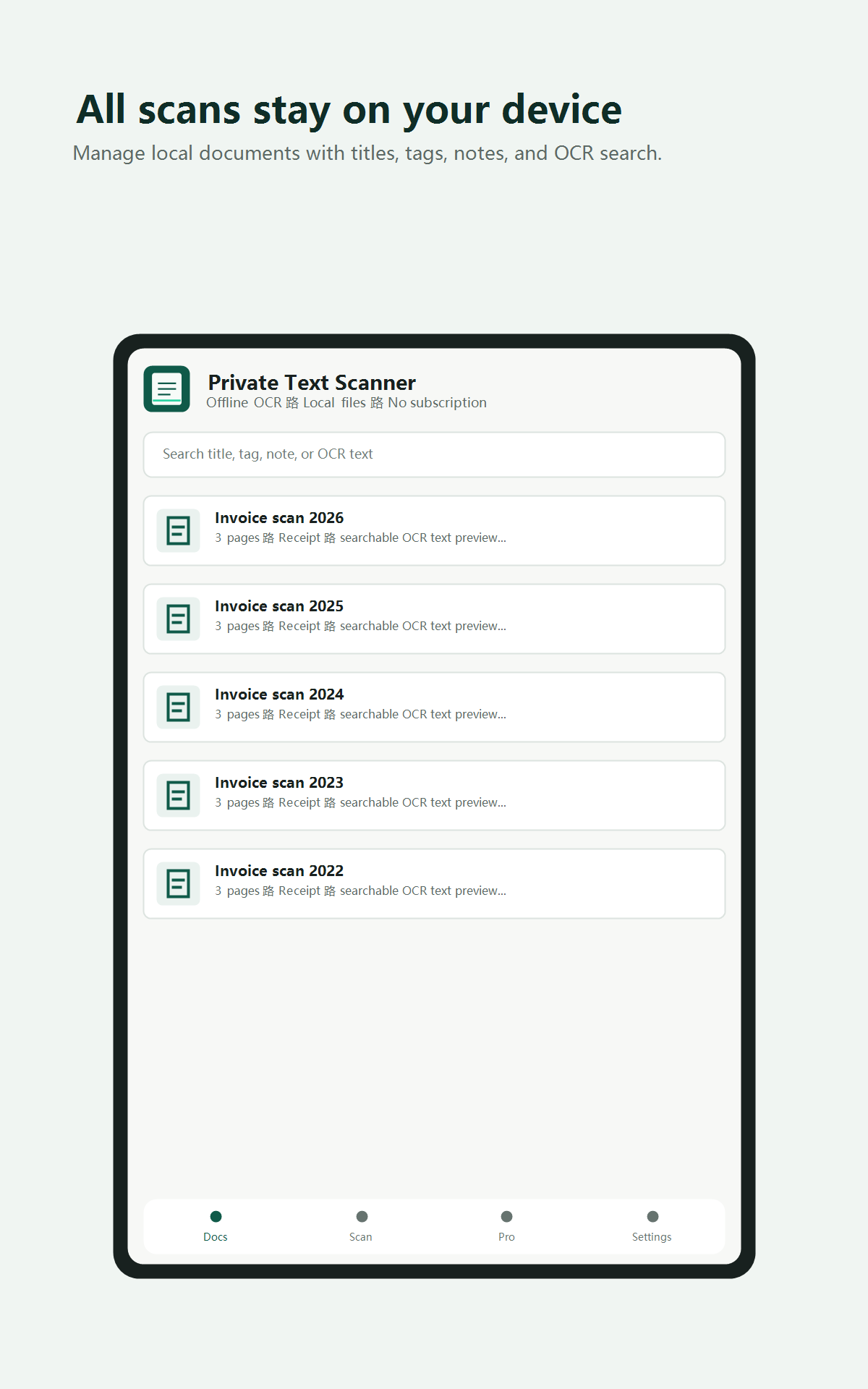
Microsoft Lens is retired. If you want a standalone scanner that does not require an account or cloud OCR, Private Text Scanner offers multi-page capture, editable on-device text recognition, local search, and PDF export.
WHAT CHANGED
Microsoft ended the standalone Lens app.
Microsoft says Lens retirement on Android began on January 9, 2026, with support ending after February 9, 2026. Microsoft now directs Lens users to OneDrive for document scanning.
OneDrive is a sensible choice when your documents already belong in a Microsoft cloud workflow. It is a different fit for people who specifically want a standalone scanner, no account setup, local document organization, and OCR that runs on the phone.
Read Microsoft's official Lens retirement noticeWHAT TO LOOK FOR
The useful parts of a local Lens replacement.
Standalone scanning
Open the app and scan without creating an account or setting up a cloud drive.
On-device OCR
Recognize printed text on Android, then edit, select, search, or share the result.
Multi-page documents
Capture several pages or import existing images and keep them together as one document.
Local retrieval
Search titles, tags, notes, and recognized text without building a cloud document library.
PRIVATE TEXT SCANNER
Built around local OCR and retrieval.
The free recognition path uses on-device ML Kit for speed and broad compatibility. An optional rewarded scan and lifetime Pro can use PP-OCRv5 when denser printed documents benefit from a larger, more accurate model.
Recognized text remains editable. You can share text directly, keep multiple pages together, or create PDFs. Lifetime Pro adds unlimited scans, searchable PDF export, PP-OCRv5, and removes advertising. It is a one-time purchase, not a subscription.
THE PRIVACY BOUNDARY
Local documents do not mean the entire app never connects.
Document images and OCR content are processed and stored on the device. The recognition workflow does not upload pages to a cloud OCR service. You choose when to export or share them.
Google Play installation and billing, optional rewarded ads, and user-initiated sharing may use the network. Pro removes ads. This distinction is important when comparing privacy claims.
Read the full privacy policyHONEST LIMITS
Choose another tool when your workflow needs more.
Private Text Scanner is not designed for real-time team collaboration, automatic cloud synchronization, desktop clients, or guaranteed legal-grade OCR. Handwriting, severe blur, glare, tiny text, and complex tables can still require manual correction. For cloud-first Microsoft 365 teams, OneDrive may remain the better choice.
Try a standalone Android scanner.
Scan multiple pages, edit recognized text, and search documents on your device.
Get Private Text Scanner